
Press a button and feel what automation does
Five working demos of the systems we install. Everything here runs in your browser, so tap freely. When you are ready, we will plan the real thing for your home.
Try it: run a smart living room
Tap a scene, dim the lights, draw the curtains or change the AC. This is how one touch panel or your phone controls the whole room.
Try it: open the gate and test the safety sensor
Open and close with the remote, use pedestrian opening, and see the gate stop and reverse when someone walks into its path.
The photocell beam across the gateway stops the gate and reverses it.
Try it: unlock the door
Type the demo PIN 2580, touch the fingerprint sensor, or send a one-time guest code. Every entry is logged.
Creates a code that works once, today only. Try typing it on the keypad.
Auto-locks 5 seconds after unlocking. Three wrong PINs trigger an alarm and a phone alert.
Try it: answer the gate
Ring the doorbell, answer the call and open the gate, at home on the indoor monitor or away on your phone.
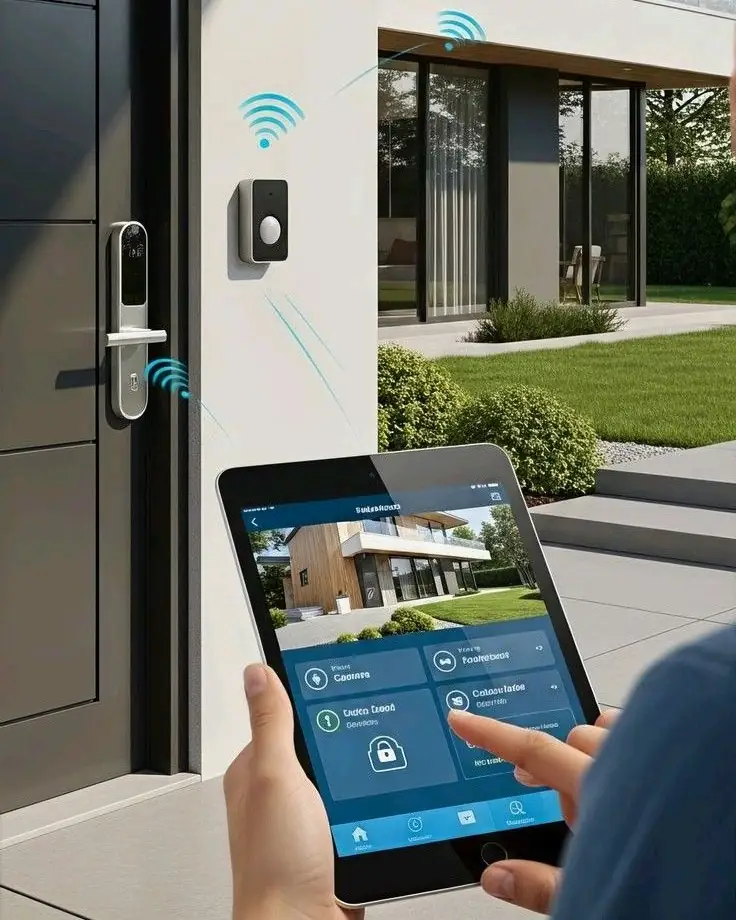
Press the doorbell outside
When you are away, the call rings on your phone and you can still talk and open the gate.
Try it: plan your cameras
Switch cameras on and off to see what they cover. Red rings are entry points with no camera. Then estimate the hard disk you need.
- Main gate
- Main door
- Car parking
- Left side passage
- Right side passage
- Back door
—
Estimate for continuous H.265 recording. We confirm exact sizing during the site survey.
Liked what you tried? Let us plan it for your home
Tell us about your home or site. We visit, study the space and send a clear, itemised quotation.